
Sign in
Sign in to access your programs, billing, and account settings on heycoach.ai.
Step 1: Open the sign-in page
Go to heycoach.ai/login or click Sign in from the home page.
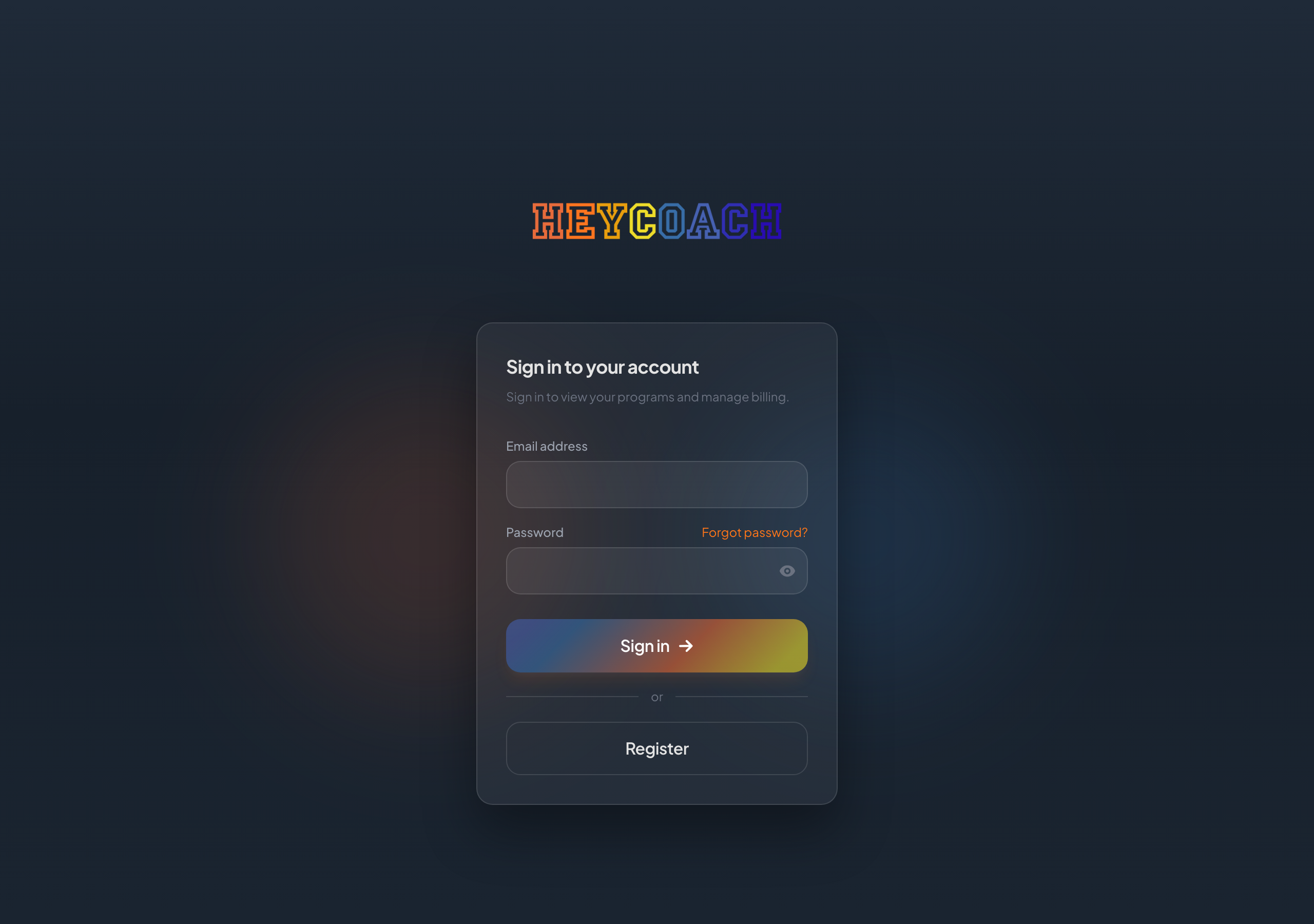
Step 2: Enter your credentials
- Email address - the one you used when you registered
- Password
Click the eye icon to show or hide your password.
Step 3: Click Sign in
If your email and password are correct, you'll be signed in automatically.
If you were trying to open a specific page before signing in (for example, a program link), HeyCoach will return you there when possible.
Forgot your password?
- On the sign-in page, click Forgot password?
- Enter your email and click Send reset link
- Follow the steps in Reset your password
Don't have an account yet?
Click Register on the sign-in page, or see Create an account.
Sign out
When you're signed in, click Sign out in the top-right corner of the page.
You'll need to sign in again to access your account.
Troubleshooting
"Invalid email or password"
- Check for typos in your email address
- Make sure Caps Lock is off
- Try Reset your password if you've forgotten it
The page keeps redirecting
Clear your browser cache or try a private/incognito window.
Make sure you're visiting heycoach.ai and not a bookmarked old URL.