
Your programs
The Programs page shows programs your coach has shared with you.
Open it from the header: Programs.
Before you can view programs
You need an active coach plan first. If you haven't subscribed yet, you'll see a locked screen instead of your program list.
While your account is Pending, programs stay hidden even if your coach has already assigned one. Subscribe on Billing to become Active.
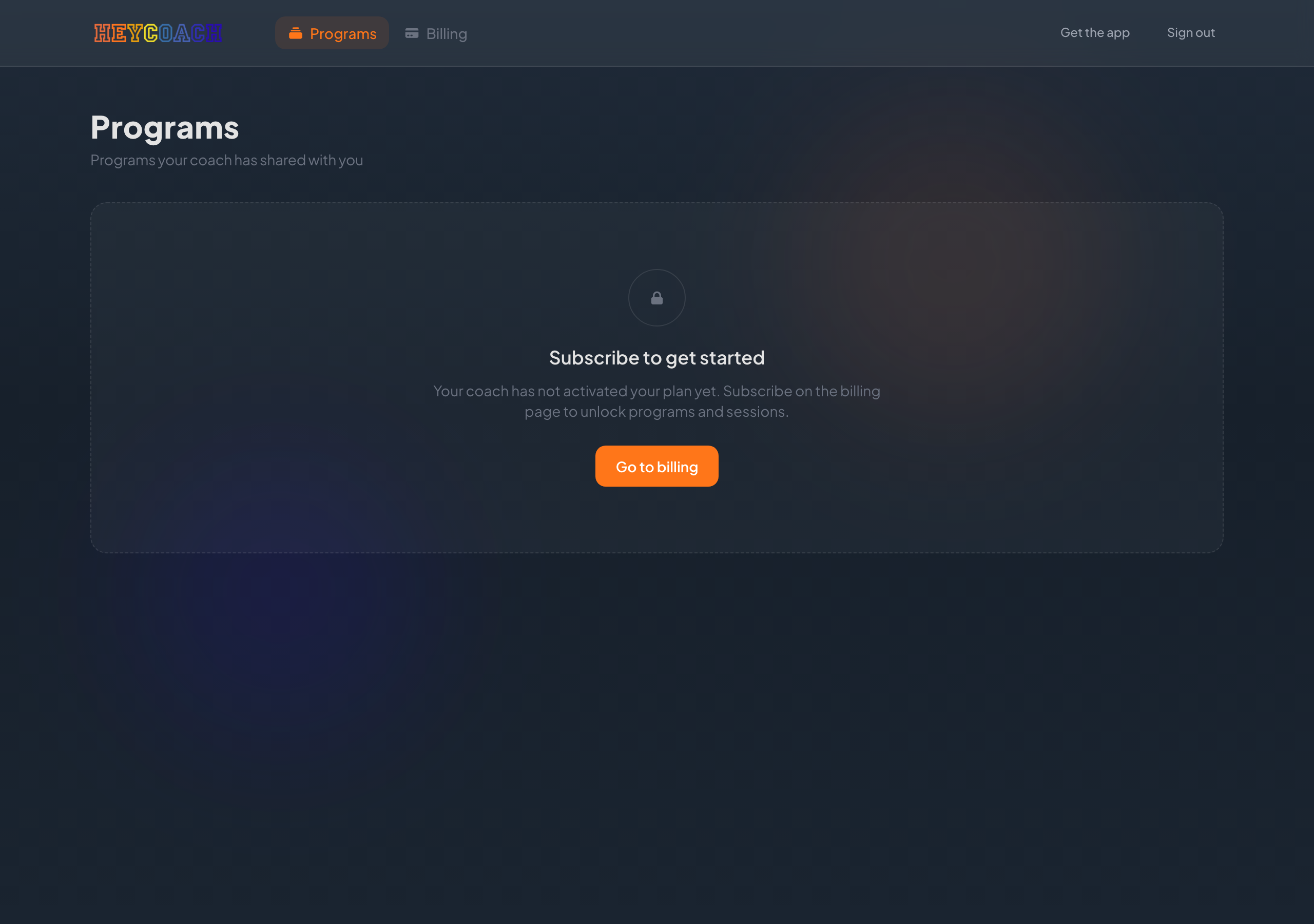
- Click Go to billing
- Subscribe to a plan
- Return to Programs - your list will unlock
Current programs
Programs your coach has actively assigned to you.
Each row shows:
- Program title (click for details)
- Coach name
- Assigned date
Click a program title to open its detail page.
Previous programs
Programs you've completed or moved on from.
Shows Last active date instead of assigned date.
Empty states
| Message | Meaning |
|---|---|
| No programs yet | You're subscribed, but your coach hasn't assigned a program |
| Your coach has not assigned a program yet | No current programs |
| Programs you have completed… | No previous programs yet |
When your coach assigns a program in the app, it appears here automatically.
Following your program
The website shows program info and purchase options. To follow workouts and sessions, open the HeyCoach mobile app.
See Get the mobile app and Client mobile guide.
Troubleshooting
I see the locked screen but I already paid
- Wait a minute and refresh
- Return from checkout via the browser - don't close the tab early
- Visit Billing and confirm your plan shows Active
- See Client FAQ
I subscribed but the list is empty
Your coach may not have assigned a program yet. Ask them to assign one in the HeyCoach app.