
Billing & plan
Subscribe to your coach's plan and view your billing history.
Open Billing from the header.
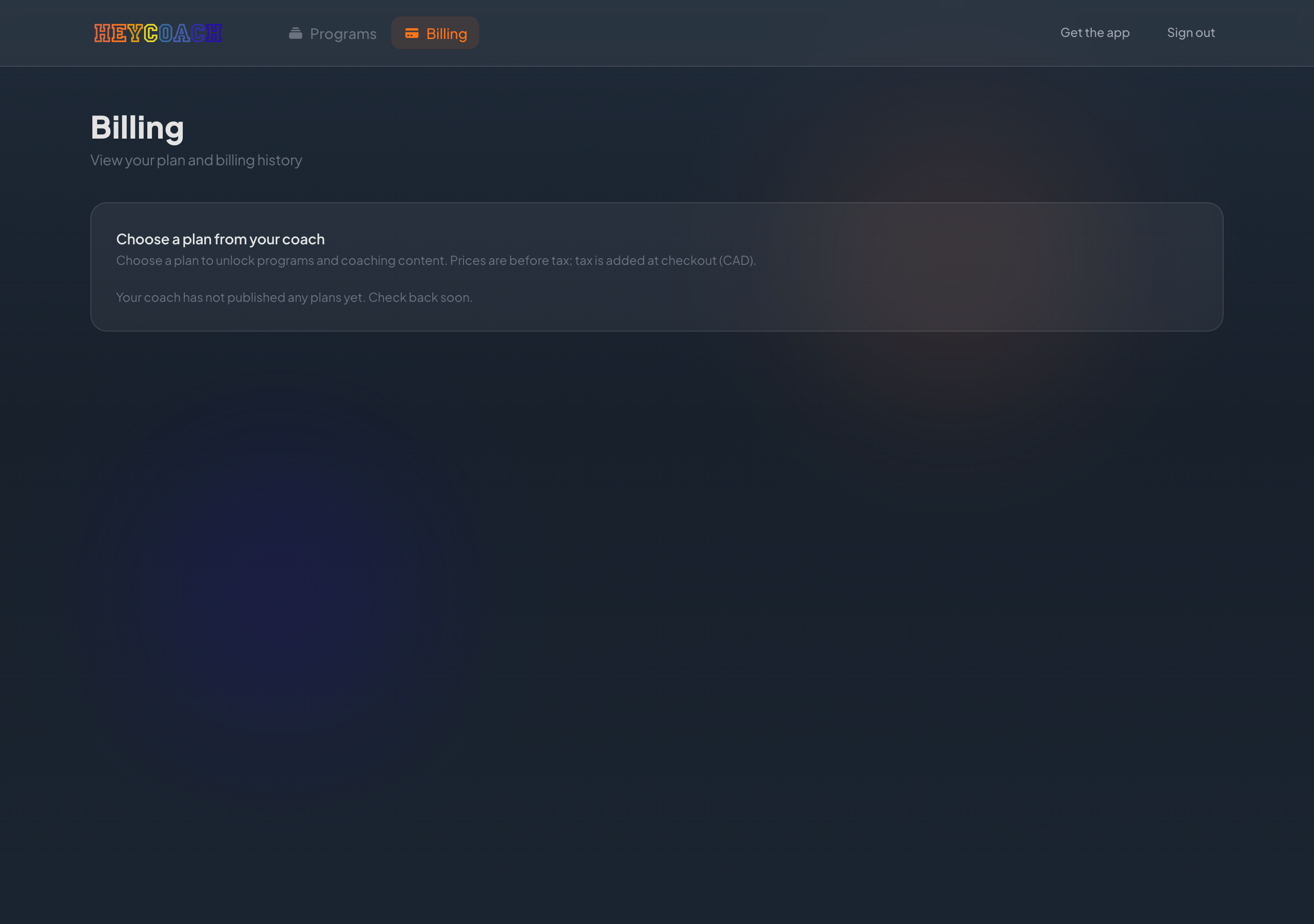
Pending vs Active
When your coach adds you to their roster, your account starts as Pending. You become Active after you subscribe to a recurring or one-time plan below.
| Status | What it means |
|---|---|
| Pending | No active plan yet — Programs stays locked |
| Active | You have a current subscription or package — Programs unlocks |
See Your account status for details.
Choosing a plan
If you don't have an active plan yet, you'll see Choose a plan from your coach.
Plans are grouped as:
- Ongoing plans - monthly or yearly subscriptions
- Packages - one-time purchases for a fixed access period
Each card shows:
- Plan name and price (CAD, before tax)
- Description from your coach
- Get started or Purchase button
Checkout
- Click Get started or Purchase
- You'll go to secure checkout (Stripe)
- Tax is added at checkout
- After payment, you return to HeyCoach and your plan activates
Once active, Programs unlocks.
Active plan
When subscribed, a summary card shows:
- Plan name
- Active badge
- Renews date (subscriptions) or Access until date (packages)
To cancel, contact your coach directly.
Plan changes and cancellations are handled with your coach - not self-serve on the website.
Invoice history
After you have an active plan, Invoice history lists your past payments.
For each invoice:
- Status, date, and amount
- Download PDF - click the download icon
Need to make a change?
A section at the bottom reminds you:
Contact your coach to change or cancel your plan.
Reach out to your coach for upgrades, downgrades, cancellations, or billing questions.
Checkout didn't sync?
If you paid but your plan doesn't show as active:
- Wait a minute and refresh Billing
- Look for a Finish activating your plan banner and click Retry save
- Confirm Programs - it stays locked until your plan is active
Troubleshooting
No plans shown
Your coach hasn't published client plans yet. Check back later or ask your coach.
"Plan active" button disabled
You already have an active plan with this coach. Only one plan at a time.
Programs still locked after paying
See checkout recovery above. Visit Billing first to confirm Active status.