
Client plans
Client plans are what your roster clients subscribe to on their Billing page. An active plan unlocks program access for them.
Set up plans before onboarding clients
Create at least one client plan before adding clients or assigning programs. Clients in Pending status cannot see assigned programs until they subscribe to a plan you have published here.
See Managing clients for the recommended onboarding order.
This is separate from:
- Your HeyCoach platform plan (what you pay HeyCoach)
- Shareable program listings (one-off program purchases via link)
How to get there
Billing → Manage client plans, or use the link at the bottom of the Client payments section on Billing.
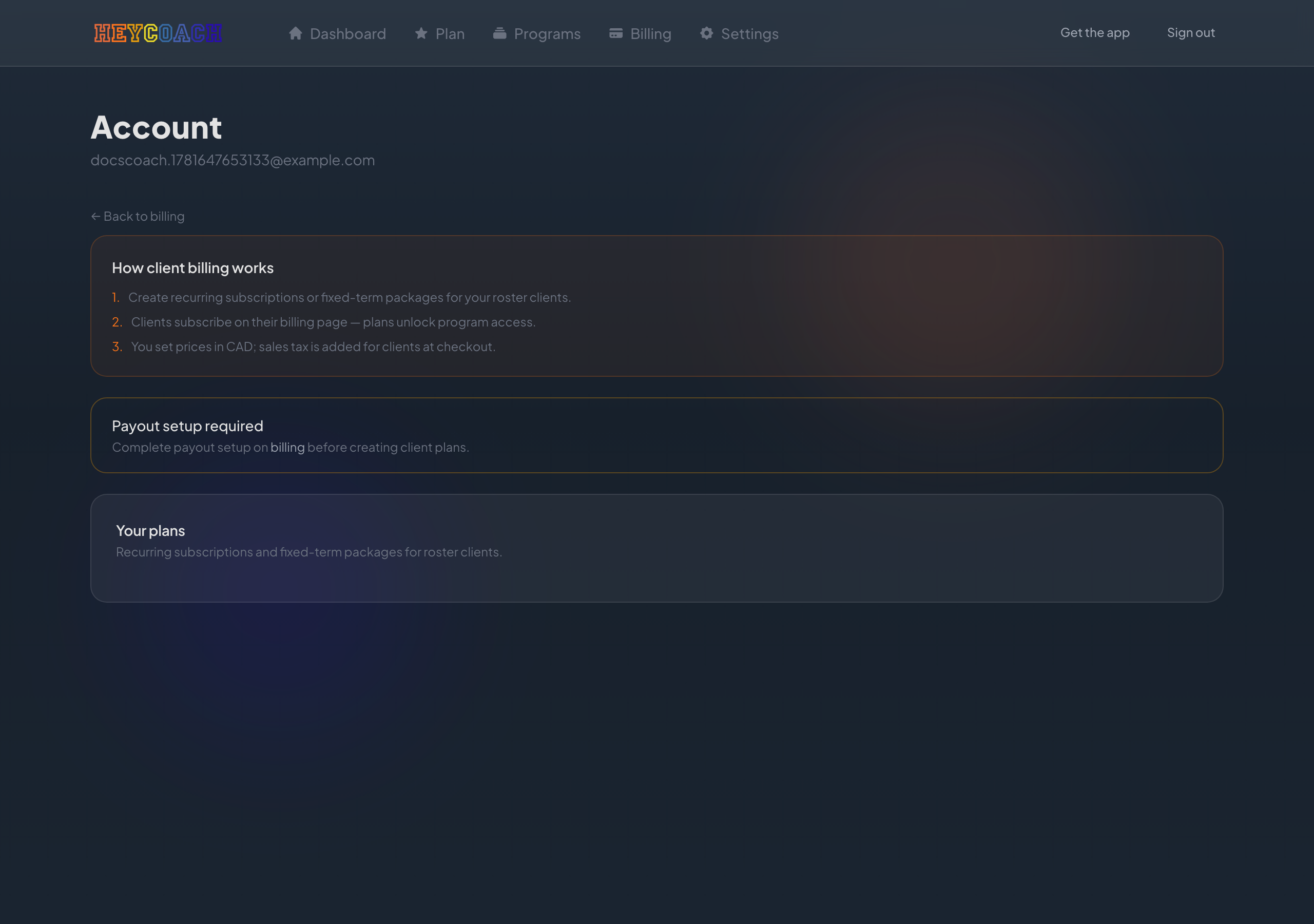
How client billing works
- Create recurring subscriptions or fixed-term packages for your roster clients
- Clients subscribe on their Billing page - plans unlock program access
- You set prices in CAD; sales tax is added for clients at checkout
Before you can create plans
You must complete payout setup on Billing first.
If payouts aren't ready, you'll see:
Payout setup required - Complete payout setup on billing before creating client plans.
Creating a plan
- Click New plan (or Create your first plan if you have none)
- Fill in the form:
| Field | Details |
|---|---|
| Plan name | e.g. "Monthly coaching" |
| Price (CAD, before tax) | Minimum $0.50 |
| Description | Optional - shown to clients |
| Recurring | Monthly or yearly subscription |
| One-time package | Fixed access for a number of weeks |
- Click Create plan
Clients will see your plans on their Billing page and can check out securely.
Your plans list
Plans are grouped into:
- Subscriptions - monthly or yearly recurring plans
- Packages - one-time purchases for a fixed term (e.g. 12-week package)
Each plan card shows the name, price, type badge, and description.
Archive a plan
Click Archive plan on an active plan to stop offering it to new clients.
- Plans with active client purchases cannot be archived
- Existing subscribers keep access until their plan ends or you handle changes with them directly
What clients see
Clients sign in, go to Billing, and choose from your published plans. After payment:
- Their plan shows as Active
- Programs unlocks on their account
You don't need to send a special link - clients use the same HeyCoach website and sign in with their client account.
Changing or canceling a client's plan
Clients cannot cancel roster plans themselves on the website. They are directed to contact you for plan changes or cancellations.
Handle those conversations directly with your client, then adjust billing outside HeyCoach if needed.
Troubleshooting
Can't create a plan
- Finish payout setup first
- Enter a valid price (at least $0.50 CAD before tax)
- Plan name is required
Client says they don't see any plans
- Confirm you created at least one active plan
- They must be signed in as a client (not coach)
- They should visit Billing, not Programs
Client paid but can't see programs
See Client FAQ - usually a brief delay after checkout, or they need to refresh.