
Programs & sharing
On the website, you view programs, set prices, and share links. You build and publish programs in the HeyCoach mobile app.
Open Programs from the header.
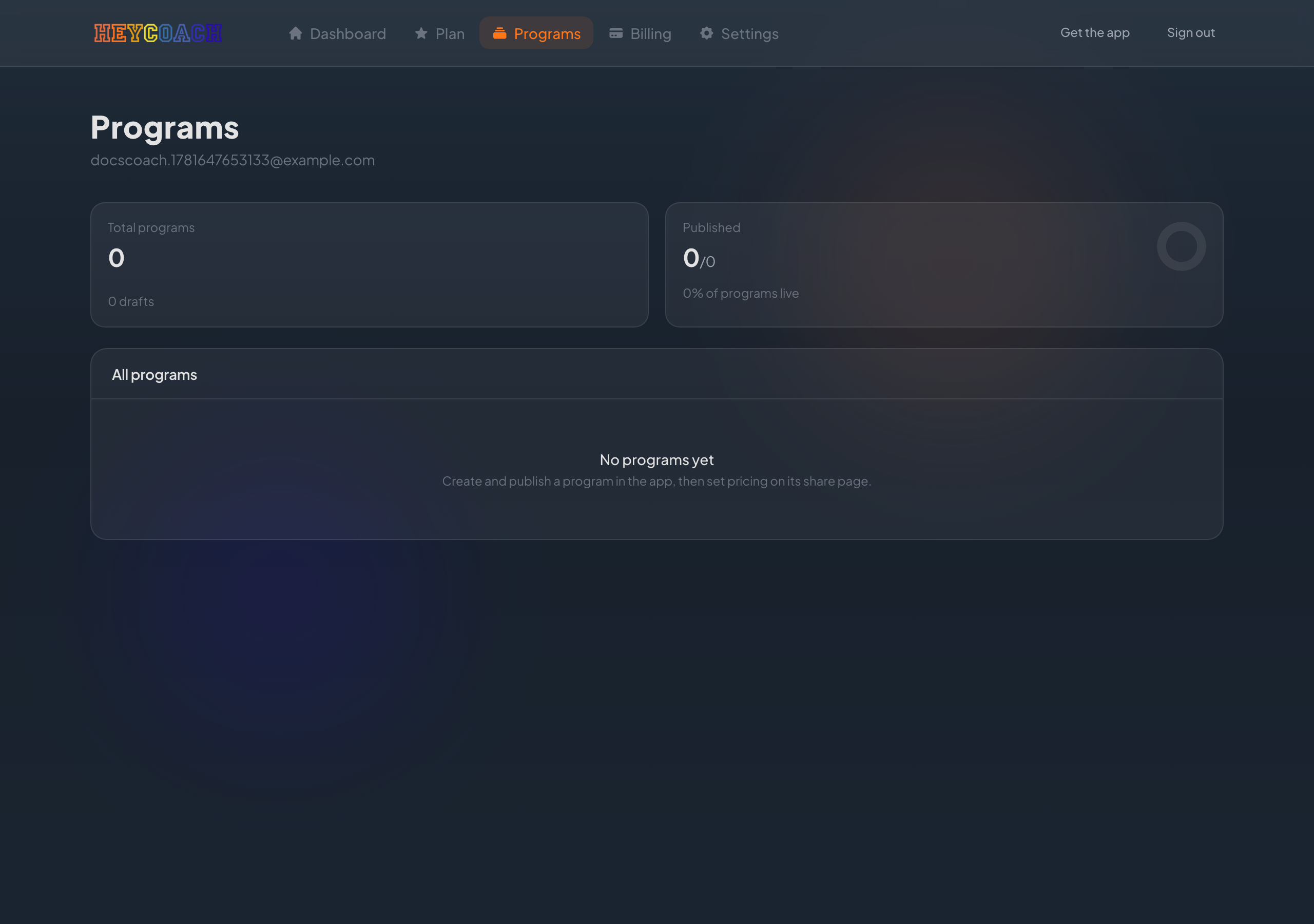
Programs list
Stats row
- Total programs - all programs synced from the app (green dots = each program; dim = drafts)
- Published - how many are live and shareable
All programs
Each row shows:
- Program title (click to open detail)
- Published or Draft badge
- Price label (if set) and date added
- Copy link - for published programs with complete pricing
Empty state
If you have no programs yet:
Create and publish a program in the app, then set pricing on its share page.
Program detail (coach view)
Click a program title to open its page. Here you can:
- Read the full description, category, level, and duration
- See Draft if not yet published in the app
- Set a price in the sidebar (see below)
- Copy link to share with buyers or clients
Setting a price
In the sidebar Listing pricing panel:
- Enter price in CAD (before tax)
- Choose One-time purchase or Monthly subscription
- Click Save price
Tax is added for buyers at checkout.
When can I share?
Copy link is enabled when:
- The program is published in the app
- Pricing is complete on the website
- Payout setup is ready on Billing (for paid listings)
If any of these are missing, the button stays disabled and you'll see a hint explaining why.
Editing program content
To change the program itself (workouts, structure, etc.), use the HeyCoach mobile app. The website is for pricing and sharing only.
Sharing workflow
- Create and publish the program in the mobile app.
- Open Programs on the website, set a price, and save.
- Copy link and send it to the buyer.
- They open the program page, purchase if it's a paid listing, then follow the program in the app.
Payout setup must be Ready on Billing before you can sell paid listings. See Billing & payouts.
Published vs draft
| Status | Meaning |
|---|---|
| Draft | Not published in the app - no share link |
| Published | Live - can be priced and shared (if payouts ready) |
Shareable listings vs roster clients
| Shareable program listing | Roster client | |
|---|---|---|
| How they get access | Buy via your share link | Subscribe to your client plan |
| Who it's for | Anyone with the link | Clients on your roster |
| Where you set price | Program detail page | Client plans page |
You can use both models in the same business.
Troubleshooting
Program doesn't appear on the website
- Create and publish it in the mobile app first
- Refresh the Programs page
- Allow a moment for sync
Copy link is disabled
Check: published? pricing saved? payouts ready?
Buyer can't purchase
- They need a HeyCoach account (or will be prompted to sign in)
- Pricing must be complete
- Your payout account must be Ready