
Your dashboard
The Dashboard is your home base as a coach. It shows a snapshot of your business and links to the most common tasks.
Open it anytime from the header: Dashboard.
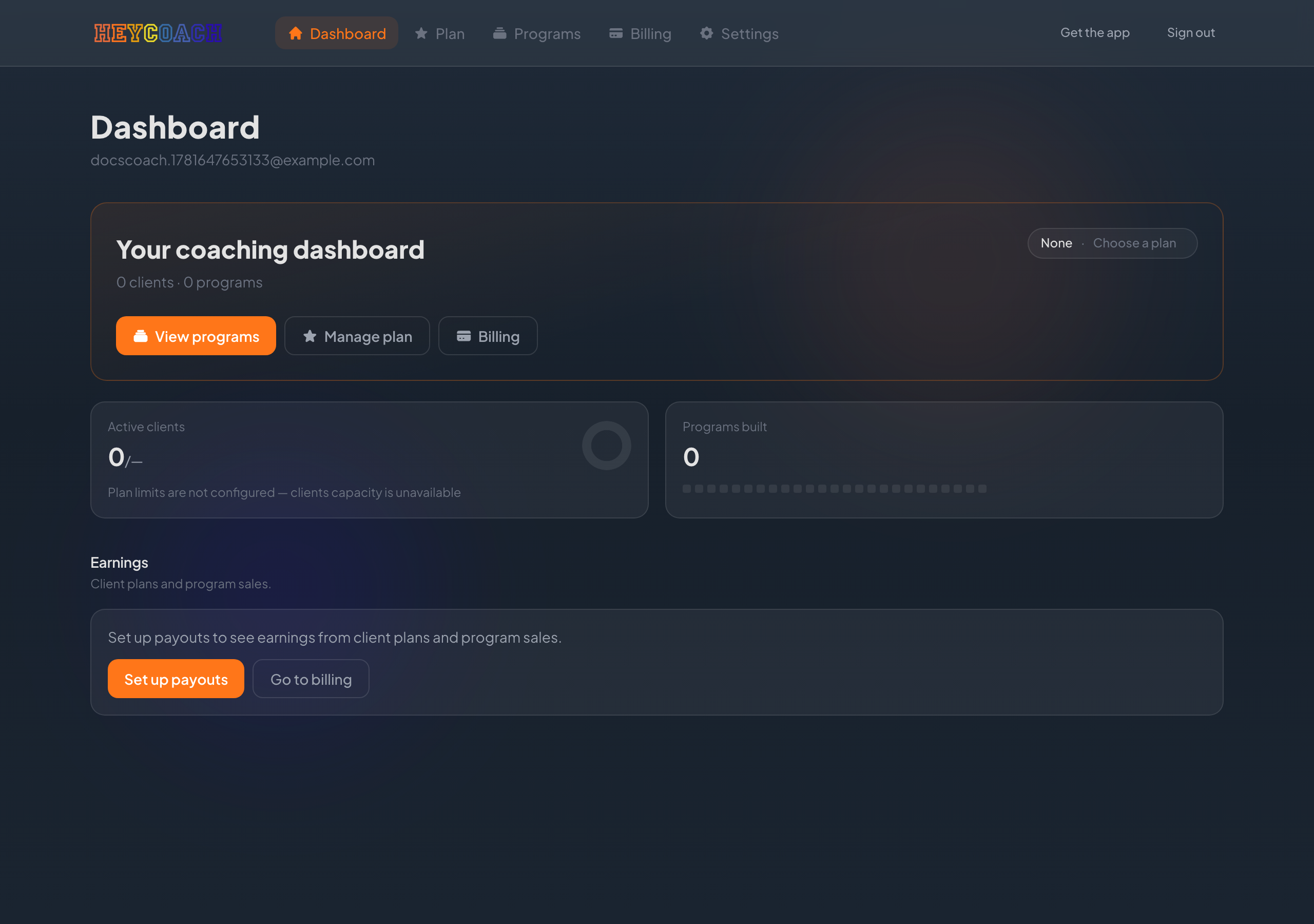
Summary card
At the top you'll see Your coaching dashboard with:
- Client count and program count - synced from your HeyCoach mobile app and account
- Your current HeyCoach plan (top right) - click it to go to the Plan page
- Quick actions:
- View programs - your program list on the web
- Manage plan - your HeyCoach platform subscription
- Billing - payouts, client purchases, and platform invoices
Business snapshot
Three stat cards below the summary — click any card to go to the related page:
Active clients
Total clients on your roster, synced from the HeyCoach mobile app. Click the card to manage client billing plans.
Programs
Total programs you've created. Click the card to open your program list on the web.
Client plans
How many billing plans you've set up for clients to subscribe to. Click the card to create or edit client plans.
Earnings
If you've set up payouts, this section shows:
- Available - funds ready to pay out
- Pending - payments still processing
- Paying clients - roster clients on active plans
- MRR - monthly recurring revenue from client plans
If payouts aren't set up yet, you'll see a Set up payouts button that takes you to Billing.
Troubleshooting
Numbers look wrong or show zero
- Clients and programs come from the mobile app - make sure you've published programs and added clients there. See Programs (mobile) and Clients (mobile).
- Client plans are created on the website under Client plans
- Earnings require completed payout setup and at least one client payment
- Refresh the page if you just finished setup or received a payment
"Could not load plan" or errors on the summary card
Check your internet connection and refresh. If the problem continues, visit Billing or Plan directly from the header.