
Account settings
Manage your profile from Settings in the header.
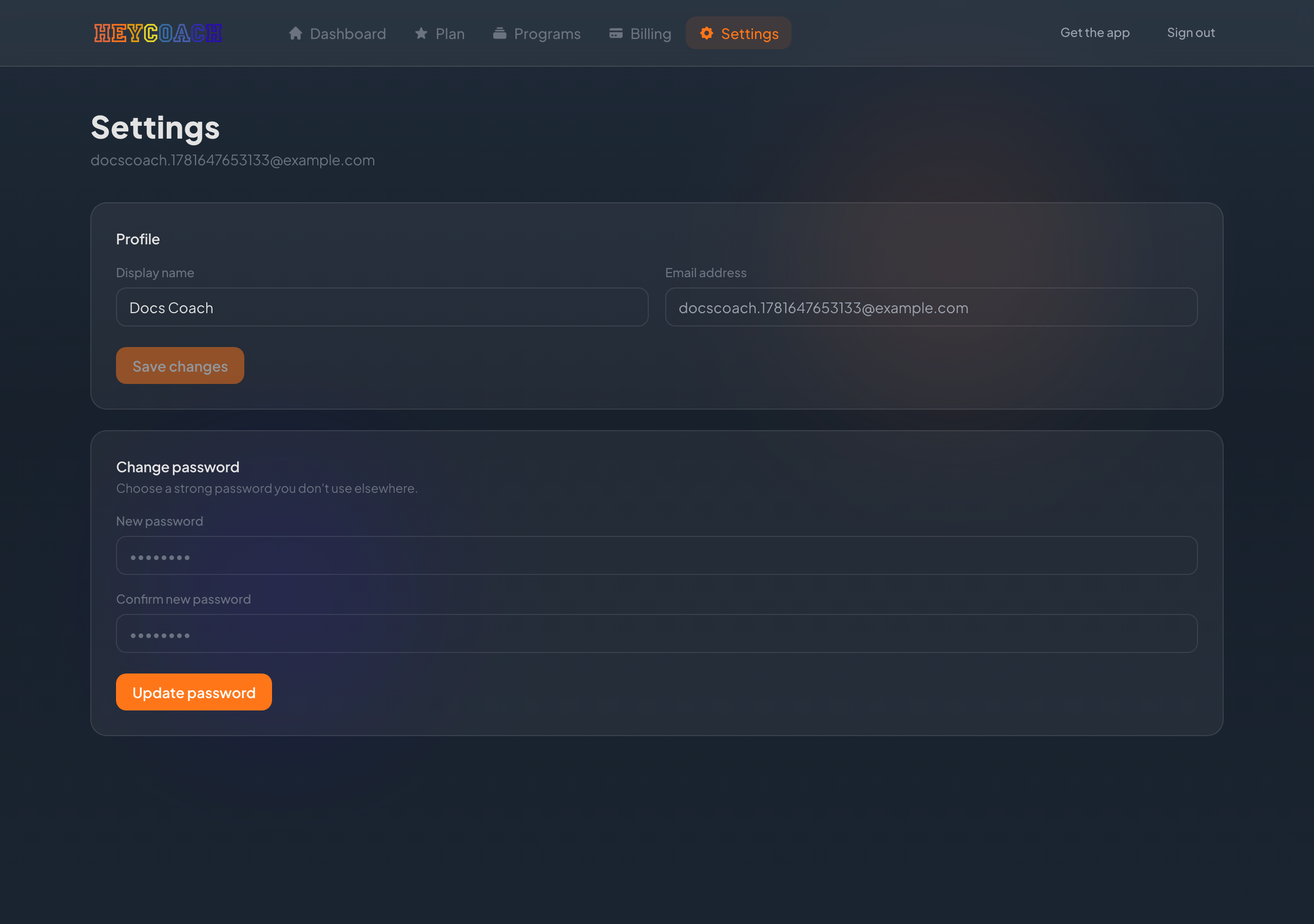
Profile
Display name
- Open Settings
- Edit Display name
- Click Save changes
Your name appears across HeyCoach where clients see your coach identity.
Email address
Your email is read-only on the website. To change the email on your account, contact HeyCoach support.
Change password
The Settings page shows password fields for updating your password.
If you forgot your password, use the reset flow instead:
- Sign in → Forgot password?
- Follow Reset your password
What's not on Settings
These are managed elsewhere:
| Task | Where |
|---|---|
| HeyCoach platform subscription | Plan or Billing |
| Payout setup | Billing |
| Client plans | Client plans |
| Program content | HeyCoach mobile app |